Client Portal for Therapy Practices: What It Is and Why It's Not Enough Alone
What a therapy client portal does, where it falls short for provider-to-provider coordination, and how secure messaging fills the gap.
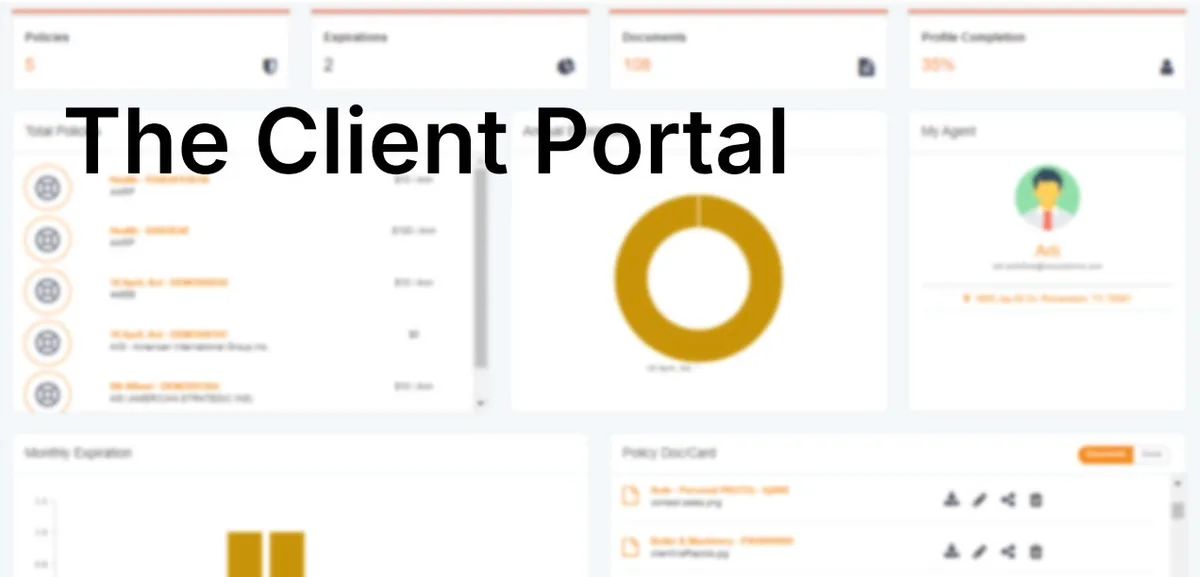
If you run a private therapy practice, you've almost certainly used a client portal — or you're evaluating one right now. Portals have become the standard way clients book appointments, complete intake paperwork, pay invoices, and exchange a few messages with their therapist.
But a client portal is built around a single relationship: the one between you and your client. It isn't designed for the other conversations that shape a client's care — the ones you have with their psychiatrist, primary care provider, or another therapist on the case. This is a vendor-neutral explainer on what therapy client portals do well, where they stop, and how to close the coordination gap they leave behind.
What Is a Client Portal in a Therapy Practice?
A client portal is the secure, client-facing part of practice management or EHR software. It gives your clients a private login where they can handle the administrative and communication tasks that used to require phone calls, paper forms, or back-and-forth email.
Most therapy client portals bundle some combination of:
- Appointment scheduling — clients request, confirm, or reschedule sessions.
- Intake and paperwork — digital intake forms, consents, and assessments completed before the first session.
- Document sharing — superbills, treatment summaries, or handouts shared with the client.
- Billing and payments — invoices, card-on-file charges, and payment history.
- Limited secure messaging — short, HIPAA-conscious messages between the client and their therapist.
The common thread: everything flows between the practice and the client. That's the portal's entire purpose, and for that purpose it works well.
What Client Portals Are Built For
It helps to be precise about the job a client portal is designed to do. It streamlines client-to-therapist administrative interaction:
- Reducing no-shows with automated reminders and self-service rescheduling.
- Getting paperwork completed and signed before sessions.
- Collecting payments without manual invoicing.
- Giving clients a secure place to message their therapist about logistics.
These are real, meaningful efficiencies. A good portal frees up hours of administrative time and gives clients a smoother experience. None of what follows is a knock on portals doing their job — it's about recognizing where that job ends.
Common Client Portal Platforms Therapists Use
Behavioral-health practices use a range of all-in-one platforms that include a client portal as part of a broader EHR or practice-management suite. SimplePractice is one widely used example, and there are many comparable products aimed at solo clinicians and small group practices. [Needs clinician review — confirm whether to name specific vendors; see note.]
One important boundary: Patient Care Circle has no authority over, and no affiliation with, any third-party portal or EHR. If you need help with a specific vendor's account — logging in, resetting a password, changing a plan, or canceling — go directly to that vendor's official support channels. We can't manage, access, or troubleshoot another company's product on your behalf, and any account-specific instructions should come from the vendor itself.
Troubleshooting Portal Access: General Tips
If you or a client can't get into a portal, these general steps apply to most platforms. For anything beyond this, contact the vendor that operates the portal.
- Check email for the original invite link. Many portals require an invitation before a first login; the link may be in spam or promotions.
- Confirm you're using the correct portal URL. Each practice or vendor has its own address — a generic search can land you on the wrong one.
- Use the password reset flow. Most access problems are solved by resetting the password from the portal's own login screen.
- Verify the email on file. Clients sometimes sign up with a different address than the one the practice invited.
- Check browser and device basics. An updated browser, cleared cache, or a different device often resolves display issues.
If none of that works, the practice or the portal vendor — not a third party — is the right place to turn.
What Client Portals Don't Do: Provider-to-Provider Communication
Here's the gap. A client portal connects you to your client. It does not connect you to the other providers involved in that client's care.
When a client is also seeing a psychiatrist for medication management, a primary care provider, or another therapist, you often need to coordinate — share a relevant update, send a referral, confirm a treatment detail, or align on a plan. The client portal has no mechanism for that. It isn't built to let two clinicians at different practices message each other securely about a shared client.
So that communication tends to fall back on fax, phone tag, or unsecured email — or it simply doesn't happen in a timely way. The portal was never designed to carry it.
Why Fragmented Communication Across Providers Is a Problem
When a client's care is spread across multiple providers and there's no reliable, secure channel between them, information gets siloed. Each provider sees their own slice. Updates arrive late or not at all. The same questions get asked twice, and clinicians make decisions with an incomplete picture of what else is happening in the client's treatment. [Needs clinician review]
The result is fragmented care — not because any one provider is doing something wrong, but because the tools most practices use weren't built to connect providers to each other. Reducing that fragmentation is largely a communication and workflow problem: giving the care team a secure, structured way to stay in sync. (Behavioral Health Providers Grapple with Fragmented Tech, Eye Smarter Investments)
How Secure Messaging for Care Coordination Differs from a Client Portal
This is the layer a client portal doesn't cover, and it's a different category of tool entirely. Patient Care Circle (PCC) is HIPAA-compliant secure messaging built for provider-to-provider coordination in behavioral health.
Where a portal connects a practice to its clients, PCC connects a therapist to the other providers treating a shared client:
- Secure messaging between providers about a shared client, not just within one practice's client relationship.
- Document and referral sharing across the care team.
- A shared "care circle" so the people treating the same client can communicate in one secure place instead of across fax, phone, and email.
- Built for behavioral health specifically, rather than adapted from a generic clinic workflow.
PCC isn't a portal and isn't trying to be one. It handles the coordination that portals leave out.
Using Both: Client Portal + Provider Coordination Tool
These tools aren't competitors — they serve different relationships, and most coordinated practices need both.
- Your client portal handles the client-facing side: scheduling, intake, billing, and client messaging.
- A provider coordination tool like PCC handles the provider-facing side: secure communication and referral sharing with the rest of a client's care team.
Keep your portal for everything it does well. Add a dedicated coordination layer for the conversations your portal was never built to carry. Together, they cover both halves of a client's care — the administrative relationship and the clinical collaboration.
Required Disclaimer
PCC is a communication tool and not a substitute for clinical judgment or emergency services. [Needs clinician review]
FAQ
What is a client portal in therapy practice management software? It's the secure, client-facing part of the software where clients schedule appointments, complete intake paperwork, view documents, pay invoices, and exchange limited messages with their therapist.
Is a client portal the same as a secure messaging platform? Not quite. A client portal includes limited messaging between a client and their therapist. A provider-to-provider secure messaging platform like PCC is built for clinicians to coordinate with each other about a shared client — a different relationship entirely.
How do I log into my therapist's client portal? Look for the invitation link your therapist's practice emailed you, and use the password reset option on that portal's login page if needed. For account-specific help, contact the practice or the portal's own support — not a third party.
Can I message my other providers through my therapist's client portal? Generally no. Client portals connect you to your therapist's practice, not to your other providers. Coordination between providers happens through separate tools built for that purpose.
How do I contact SimplePractice support directly? For any SimplePractice account question, use SimplePractice's own official support channels. PCC has no affiliation with or authority over SimplePractice accounts and can't assist with them.
What's the difference between a client portal and a care coordination tool? A client portal manages the client-facing relationship (scheduling, billing, paperwork). A care coordination tool manages the provider-facing relationship — secure messaging and referral sharing among the providers treating a shared client.
Frequently asked questions
What is a client portal in therapy practice management software?
It's the secure, client-facing part of the software where clients schedule appointments, complete intake paperwork, view documents, pay invoices, and exchange limited messages with their therapist.
Is a client portal the same as a secure messaging platform?
Not quite. A client portal includes limited messaging between a client and their therapist. A provider-to-provider secure messaging platform like PCC is built for clinicians to coordinate with each other about a shared client — a different relationship entirely.
How do I log into my therapist's client portal?
Look for the invitation link your therapist's practice emailed you, and use the password reset option on that portal's login page if needed. For account-specific help, contact the practice or the portal's own support.
Can I message my other providers through my therapist's client portal?
Generally no. Client portals connect you to your therapist's practice, not to your other providers. Coordination between providers happens through separate tools built for that purpose.
How do I contact SimplePractice support directly?
For any SimplePractice account question, use SimplePractice's own official support channels. PCC has no affiliation with or authority over SimplePractice accounts and can't assist with them.
What's the difference between a client portal and a care coordination tool?
A client portal manages the client-facing relationship such as scheduling, billing, and paperwork. A care coordination tool manages the provider-facing relationship — secure messaging and referral sharing among the providers treating a shared client.